
IPTV Player app for phone, tablet and TV
A free IPTV and M3U player for your own playlists. Import M3U, M3U8 or Xtream Codes sources, add an EPG, and stream directly from the provider — no channels bundled, no account required.
Prefer not to install anything? The browser-based player plays the same playlists with nothing to download.
Where you can get it
IPTV Player is available now from Google Play for Android and the App Store for iPhone and iPad.
IPTV Player for Android
Phones, tablets, Android TV and TV boxes. Import an M3U, M3U8 or Xtream Codes playlist, or scan a share QR code, and the channels are added for you.
Get it on Google PlayIPTV Player for iPhone and iPad
Available for iPhone and iPad. Import an M3U, M3U8 or Xtream Codes playlist, or open a share link to add the channels for you.
Download on the App StoreWhat the app does
M3U and M3U8 playlists
Paste a playlist URL or open an .m3u / .m3u8 file and the channel list is parsed on the device, groups and logos included.
Xtream Codes accounts
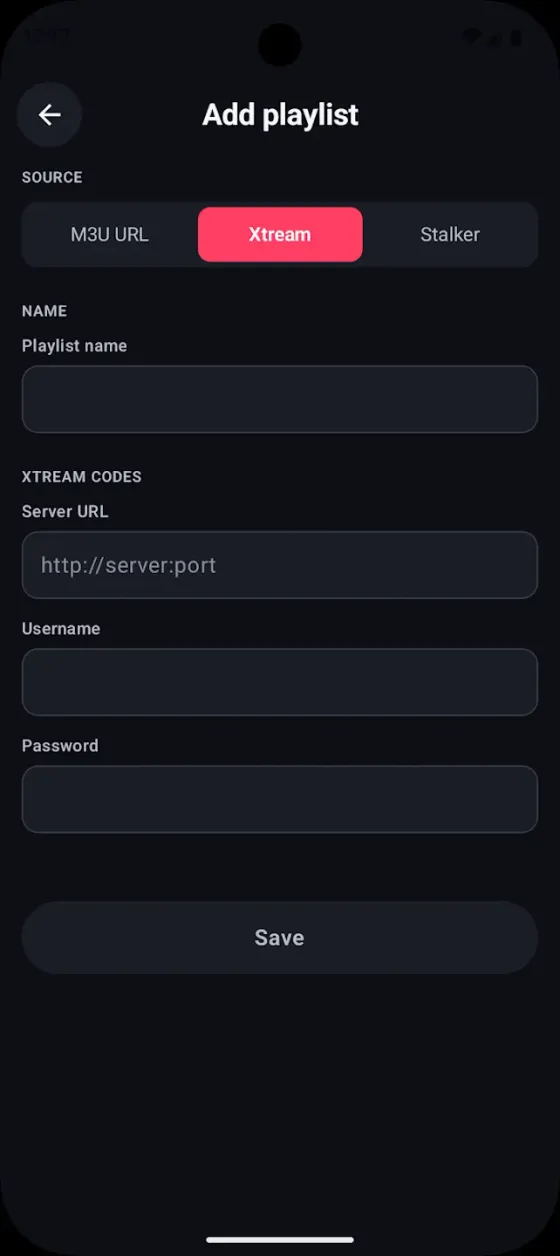
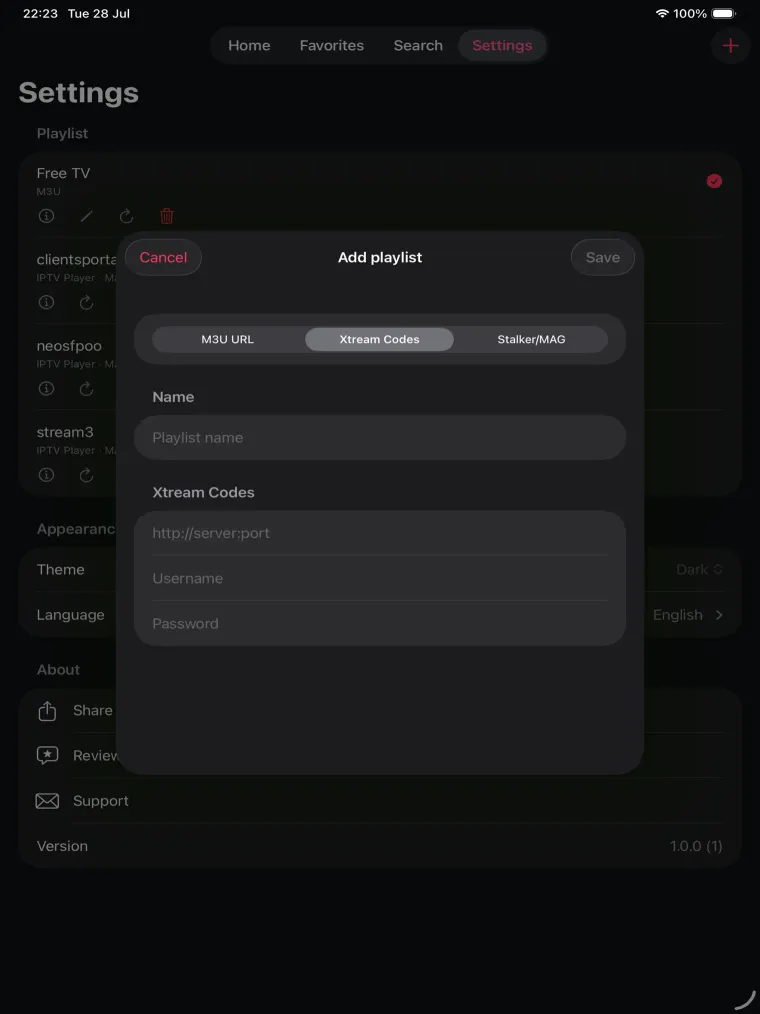
Add a host, username and password once and the app builds the live TV, movie and series catalog from the panel API.
EPG and now playing
Attach an XMLTV guide URL to see what is on now and next, per channel, without leaving the player.
Adaptive HLS playback
HLS and DASH streams switch quality automatically as your connection changes, with hardware decoding where the device supports it.
Favourites and groups
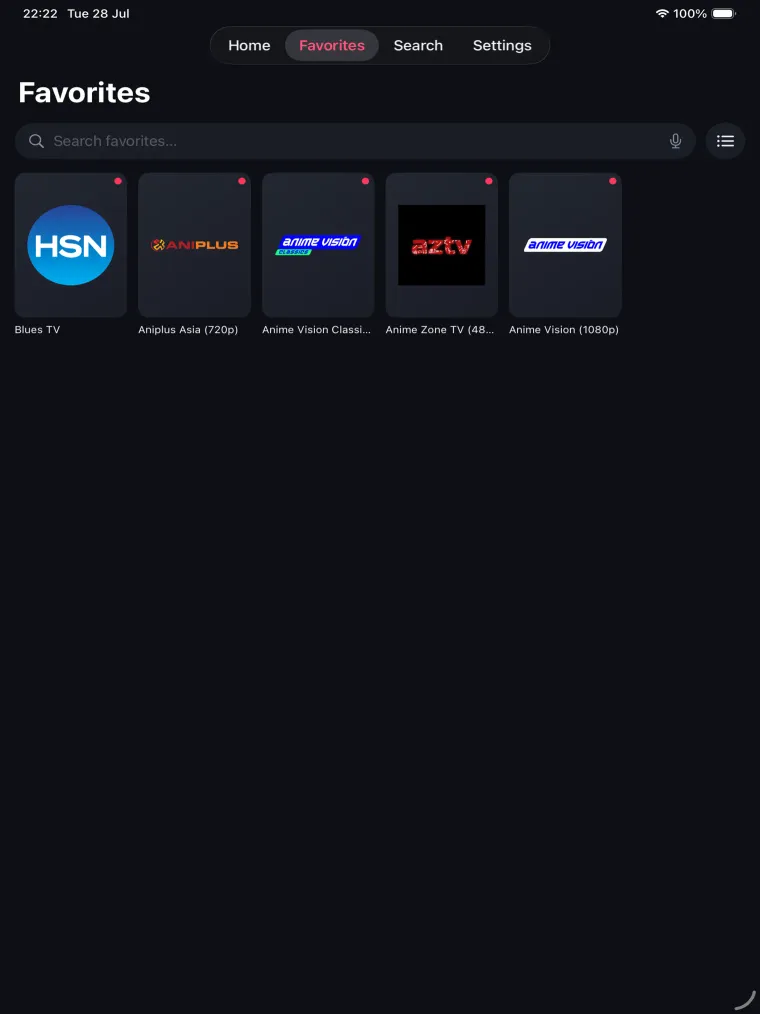
Pin the channels you actually watch, rename entries, fix broken logos and hide groups you never open.
Built for the TV screen too
The Android build runs on Android TV and TV boxes with a remote-friendly channel list, not just a stretched phone layout.
QR and link import
Scan a share QR code or tap a share link and the playlist is added for you — nothing to retype on a TV remote.
No account required
The app works without signing up. An optional free account only adds playlist sync between your own devices.
Inside the app
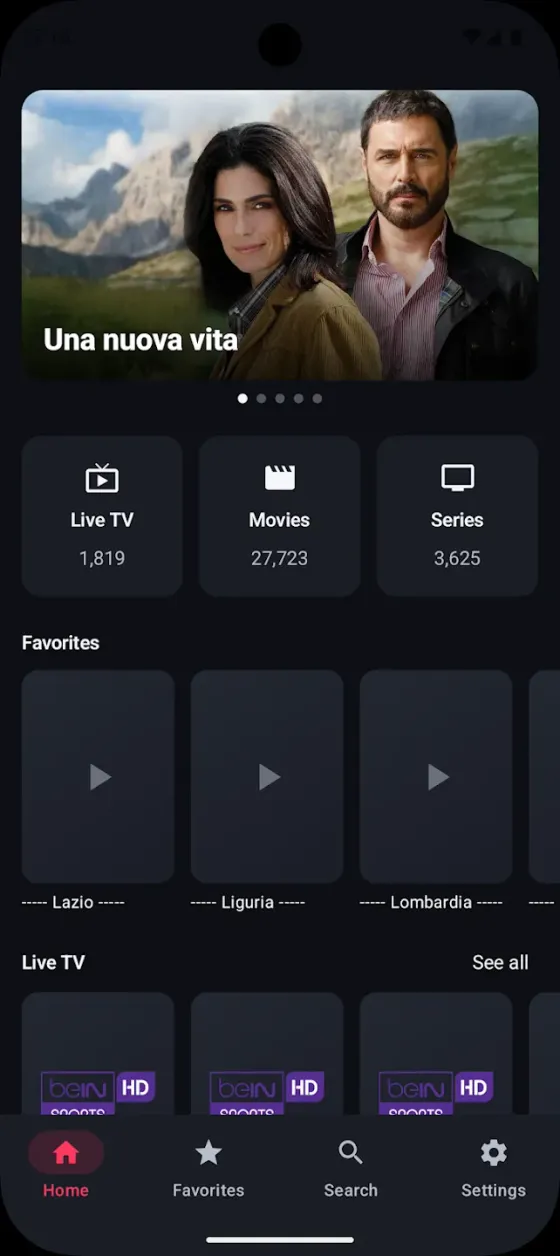
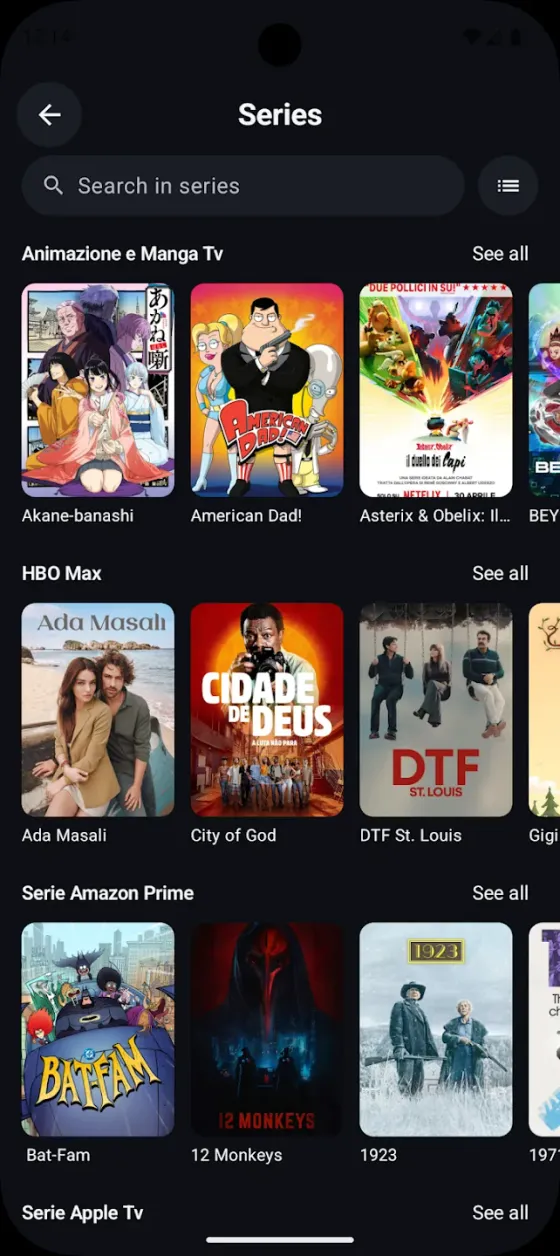
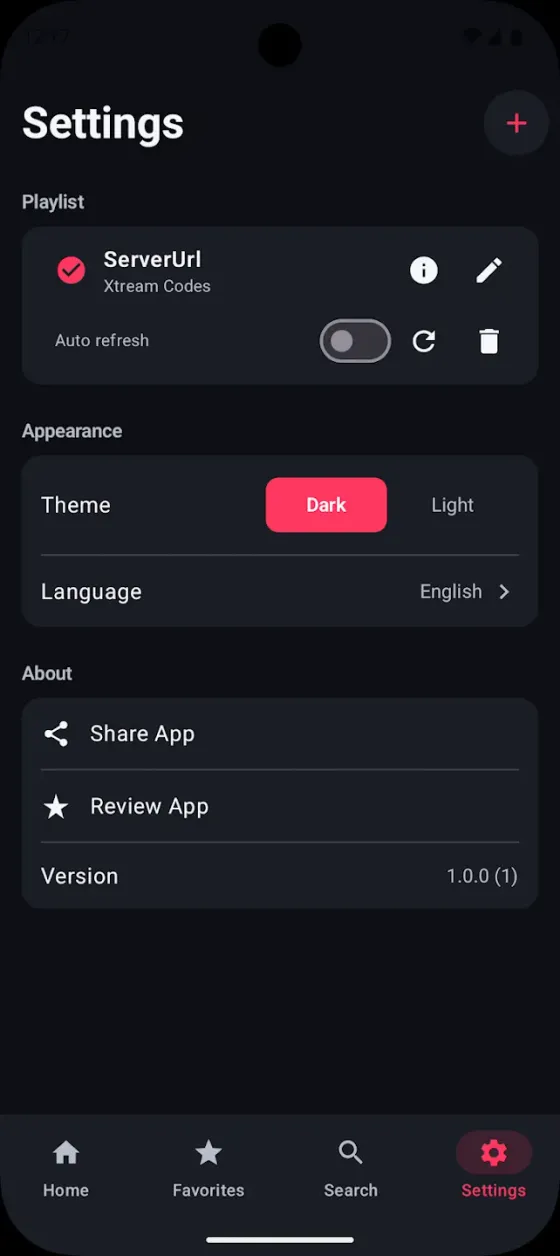
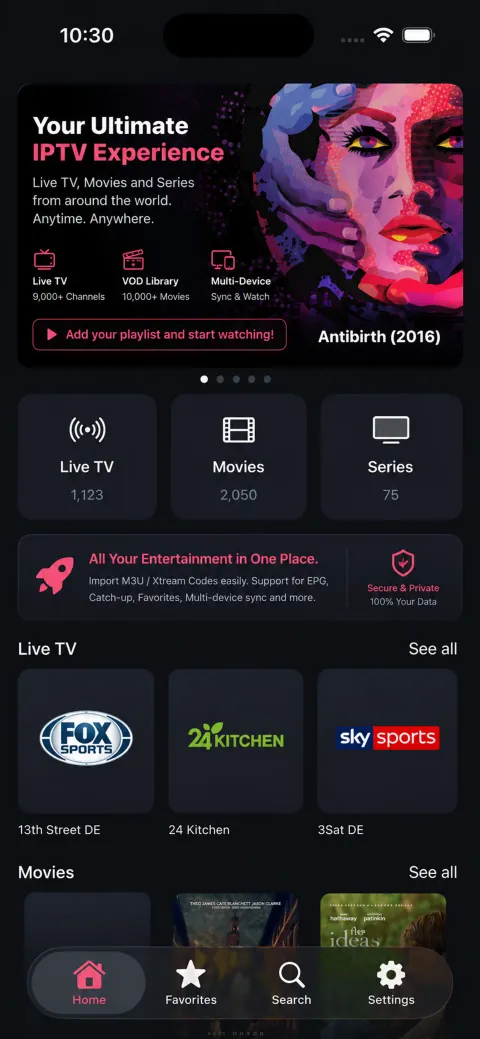
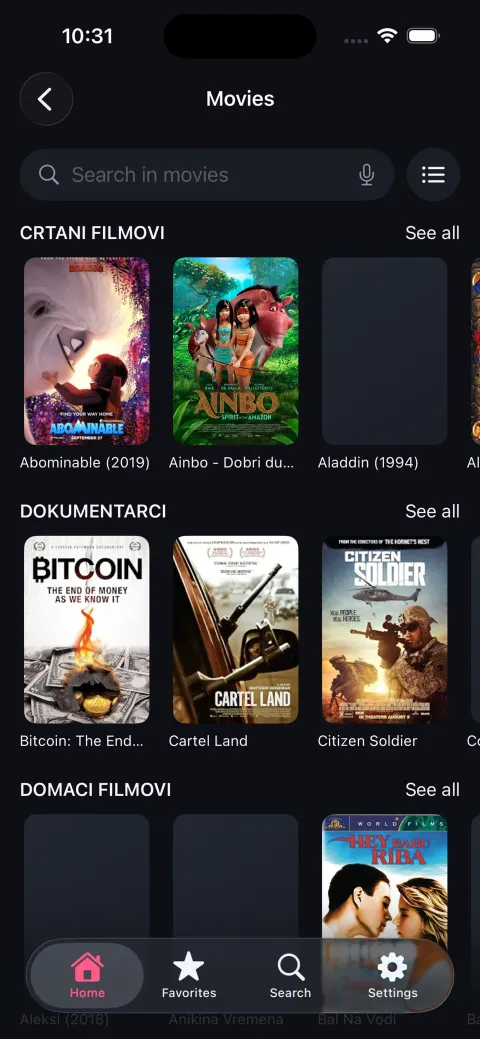
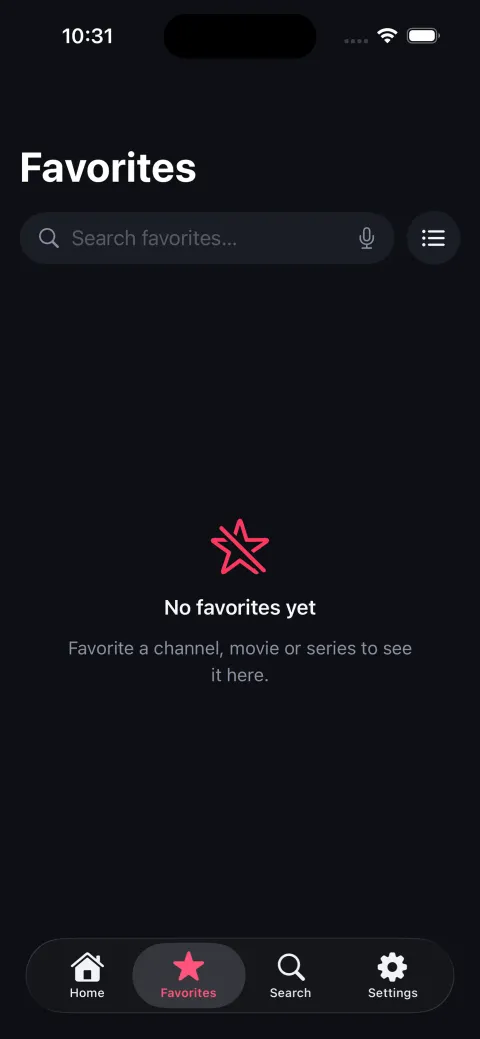
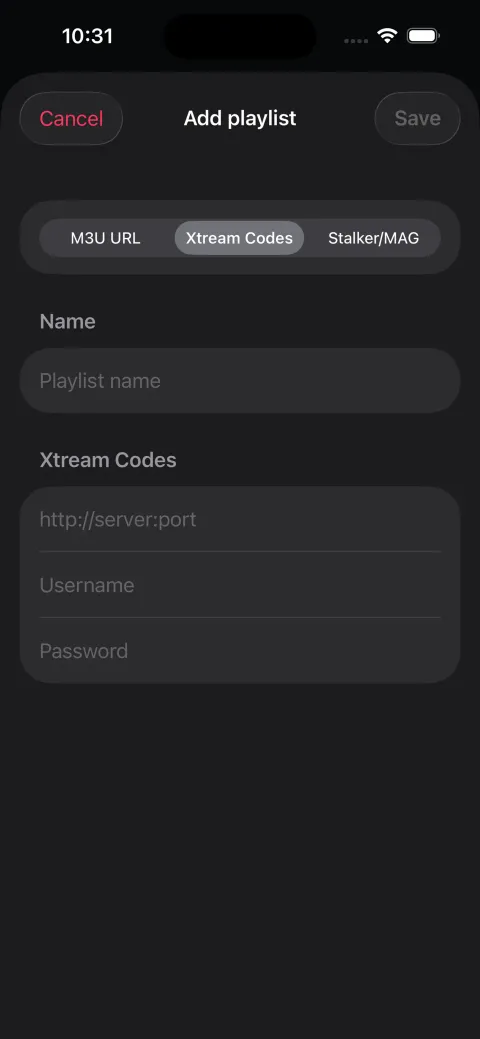
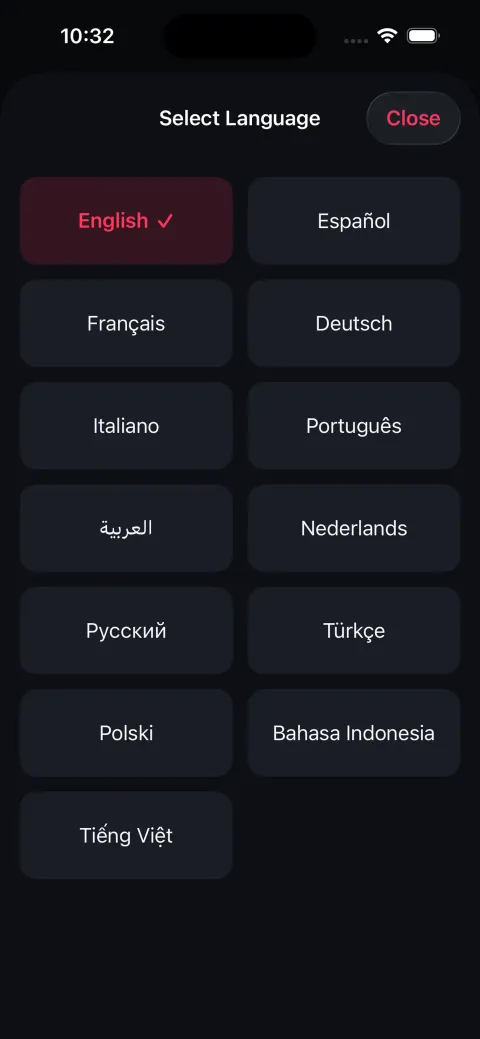
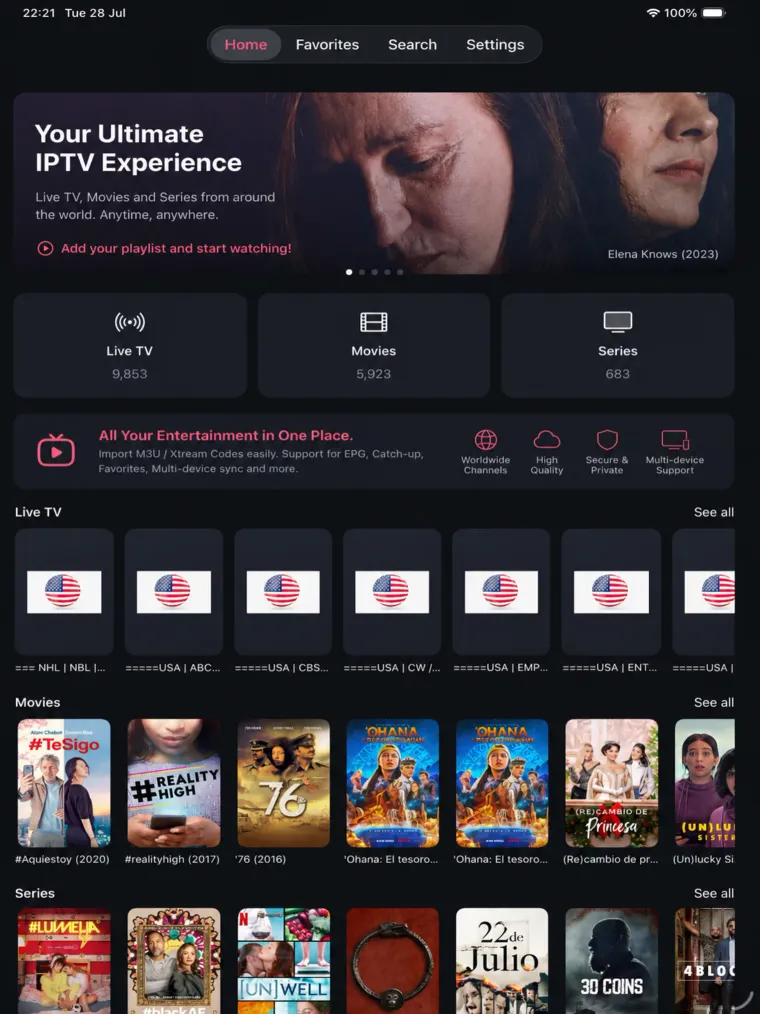
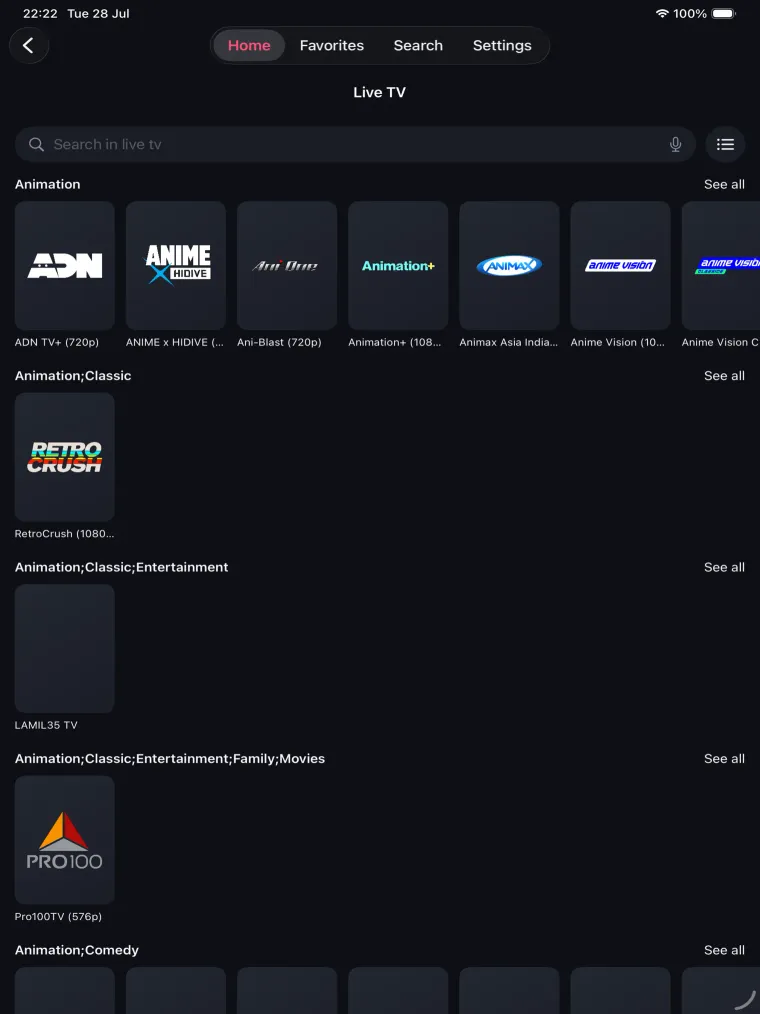
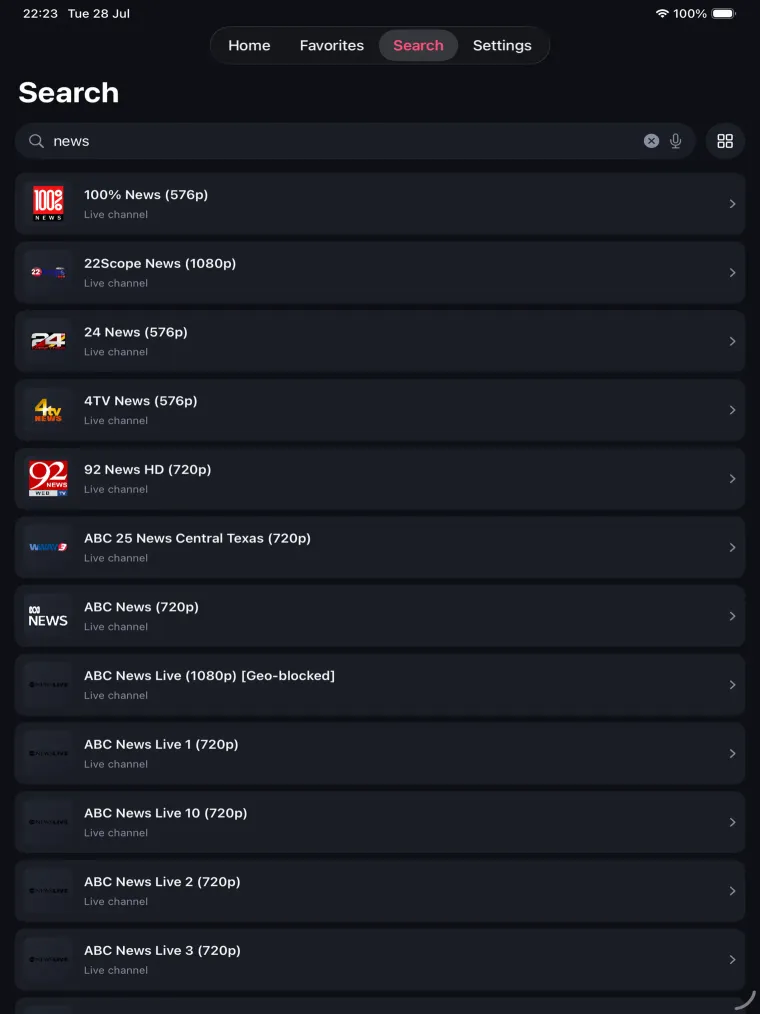
Screens from the Android, iPhone and iPad apps. The app brings the interface — the channels come from the playlist you add.
Android
iPhone
iPad
How to add a playlist
Install the app
Install IPTV Player from Google Play on Android or from the App Store on iPhone and iPad. It is free and no account is needed.
Add a playlist
Paste an M3U or M3U8 playlist URL, open a playlist file, or enter your Xtream Codes host, username and password. Scanning a share QR code does the same thing without typing.
Start watching
Channels load into groups with logos and, if you added a guide URL, an EPG. Streams connect straight from their own source to your device.
Adding a source on a TV remote is slow, so the app also imports from a link or QR code: how playlist sharing works.
Free playlists you can start with
The app ships without channels. If you do not have a playlist yet, these public free-to-air channel lists are a place to start — open a country page, then send the playlist to the app.
Frequently asked questions
Is the IPTV Player app free?
Yes. The app is free to install from Google Play and the App Store, and there is no subscription to use it.
Is there an iPhone or iPad version?
Yes. The iPhone and iPad app is available to download from the App Store. It supports the same playlists and share links as the Android app.
Which playlist formats does the app support?
M3U and M3U8 playlist URLs and files, direct HLS streams, Xtream Codes accounts and XMLTV guide URLs. Stalker Portal sources can be saved to an account as well.
Can I download the APK directly?
We only distribute the Android app through Google Play. That is what keeps updates signed and verifiable, so please avoid third-party APK mirrors claiming to be this app.
Do I need an account to use the app?
No. Everything works without signing up, because playlists are stored on the device. A free account is optional and only adds syncing your own saved playlists across your devices.